
Python code for prime number: Prime numbers are one of the most fundamental concepts in mathematics and programming. Whether you’re a beginner learning Python or preparing for coding interviews, understanding how to check prime numbers efficiently is essential.
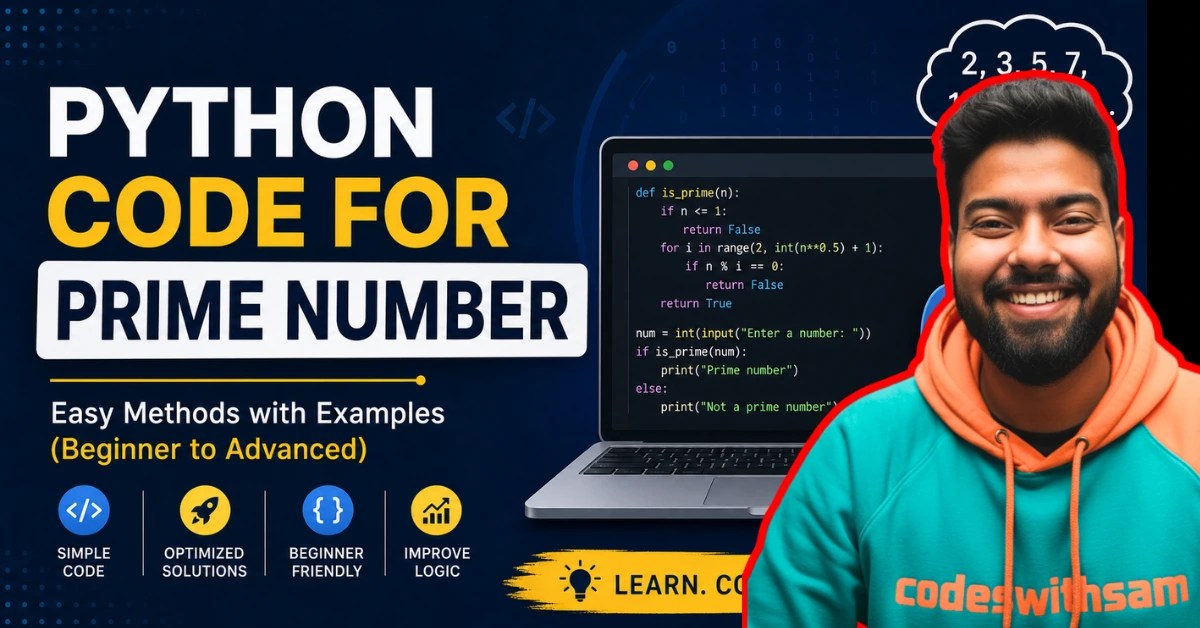
In this guide, we’ll explore multiple ways to write Python code for prime numbers, from basic logic to optimized approaches. By the end, you’ll be able to write clean, efficient, and interview-ready code.
| Article Name | Python Code for Prime Number: Easy Methods with Examples (Beginner to Advanced) |
| Publish Date | 5/5/2026 |
| What is | Python code for prime number |
| Requirements | Python installed (3.x recommended) |
| Author | Codeswithsam |
What is a Prime Number?
A prime number is a number greater than 1 that has only two factors:
- 1
- Itself
Examples:
- Prime: 2, 3, 5, 7, 11
- Not Prime: 4, 6, 8, 9
Basic Python Code for Prime Number
Let’s start with the simplest approach.
num = int(input("Enter a number: "))

if num > 1:
    for i in range(2, num):
        if num % i == 0:
            print(num, "is not a prime number")
            break
    else:
        print(num, "is a prime number")
else:
    print(num, "is not a prime number")
📖 Explanation:
- We take input from the user. Loop from 2 to num-1. If any number divides
num, it’s not prime. If no divisor is found, it’s prime.
Optimized Python Code (Better Performance)
import math

num = int(input("Enter a number: "))

if num > 1:
    for i in range(2, int(math.sqrt(num)) + 1):
        if num % i == 0:
            print(num, "is not a prime number")
            break
    else:
        print(num, "is a prime number")
else:
    print(num, "is not a prime number")
Why This is Faster?
Instead of checking all numbers up to n, we only check up to √n.
This reduces:
Time complexity from O(n) → O(√n)
Python Program to Print Prime Numbers in a Range
start = int(input("Enter start number: "))
end = int(input("Enter end number: "))

for num in range(start, end + 1):
    if num > 1:
        for i in range(2, int(num ** 0.5) + 1):
            if num % i == 0:
                break
        else:
            print(num)
Output Example:
Enter start number: 10
Enter end number: 30

11
13
17
19
23
29
Advanced Method: Using Function
Functions make your code reusable and clean.
def is_prime(n):
    if n <= 1:
        return False
    for i in range(2, int(n**0.5) + 1):
        if n % i == 0:
            return False
    return True

num = int(input("Enter number: "))

if is_prime(num):
    print("Prime number")
else:
    print("Not a prime number")
🚀 Benefit:
- Much faster than normal recursion
- Avoids repeated calculations
How to Run This Code
Follow these steps:
✅ Step 1: Install Python
Download from official site:
https://www.python.org
✅ Step 2: Use Any Editor
- VS Code
- PyCharm
- Notepad
✅ Step 3: Save File
Save as:
prime.py✅ Step 4: Run Code
Open terminal and type:
python prime.pyFAQ Section
Q1: Is 1 a prime number?
No, 1 is not a prime number.
Q2: What is the fastest way to check prime?
Using √n optimization or advanced algorithms like Sieve of Eratosthenes.
Q3: Why is 2 the only even prime number?
Because all other even numbers are divisible by 2.
Final Thoughts
Writing Python code for prime numbers is a great way to improve your logic-building skills. Starting from simple loops to optimized solutions, you now have a complete understanding of how prime number programs work.
Keep practicing and try implementing more optimized algorithms as you grow.
Important Links
| Our Website | Codeswithsam.com |
| Join Telegram | Click Here |
If we made a mistake or any confusion, please drop a comment to reply or help you in easy learning.
Thanks! 🙏 for visiting Codeswithsam.com ! Join telegram (link available in bottom) for source code files , pdf and
Any Promotion queries 👇
info@codeswithsam.com

